

One tap and you're writing
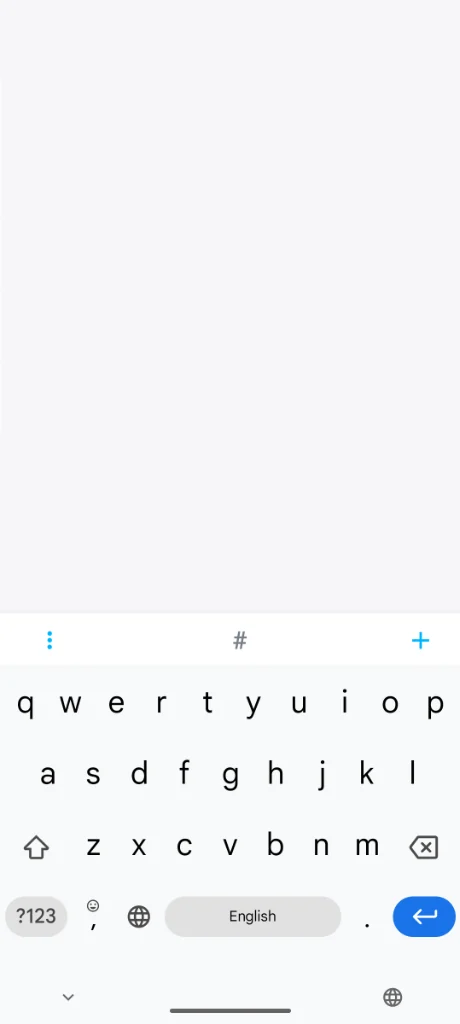
No sign-up, no setup. Loknot opens straight into an empty note with the keyboard already up, so you can write from the first second.
Your notes and settings are only two swipes away
The notes list and the settings are two swipes from the text. No going back to a menu to hunt for the right screen.
Stay focused on your writing
While you type, the interface gets out of the way: the status bar disappears and only the text is left. Typewriter mode keeps the current line centred, and the word counter, goal bar and a 1–60 minute timer help you finish a session instead of abandoning it halfway.
- The status bar fades away the moment you start typing
- Typewriter mode
- Live word and character count
- A progress bar for your daily writing goal
- Timer 1–60 min
Bank-grade security
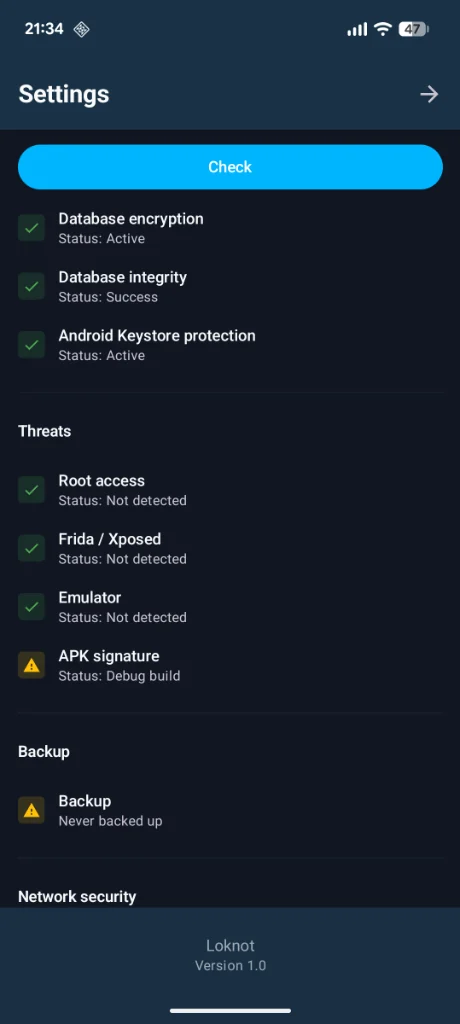
The database and the backups are encrypted on the device itself. You sign in with biometrics or a PIN, and screenshots inside the app are blocked. A separate check watches the environment — root access, Frida and Xposed, running in an emulator, the build signature — and always shows the result in settings.
- Encrypted local database and backups
- Sign in with biometrics or a PIN
- Screenshot blocking
- Threat detection
Markdown, checklists, wiki links, and Zettelkasten
Write in plain text or in Markdown with a live preview pane. Checklists tick off with a single tap. Notes link to each other, and backlinks show what points at the note you are reading — which is how a pile of records grows into a personal wiki.
- Markdown with a live preview pane
- Checklists with a tap-to-complete tick
- Internal links and backlinks between notes
- Nested, tree-style tags
![A note in Markdown: headings, a checklist with one item ticked, and [[Ch.1]] links to other notes](/image/scr_2026-03-09_20-35-32.webp)
Your notes, sorted without lifting a finger
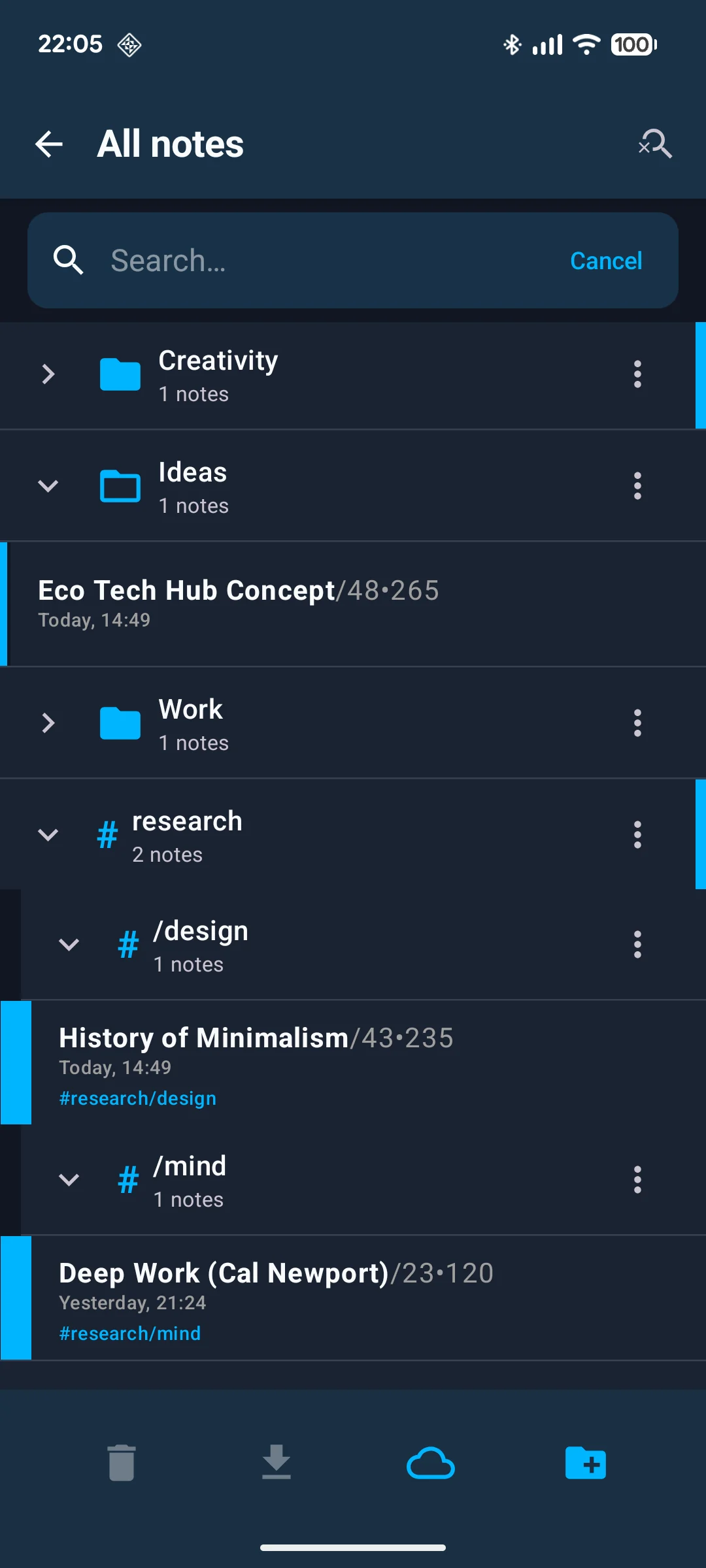
Folders, nested tags and pinned notes are there if you like filing things yourself. If you don't, the app files them for you: new notes go into folders by keyword, old ones are archived or deleted on a schedule. Full-text search finds the rest.
- Tags and folders
- Pinned notes
- Auto-file new notes into folders by keyword
- Auto-archive and scheduled deletion
- Full-text search
Back up, export, and share your notes
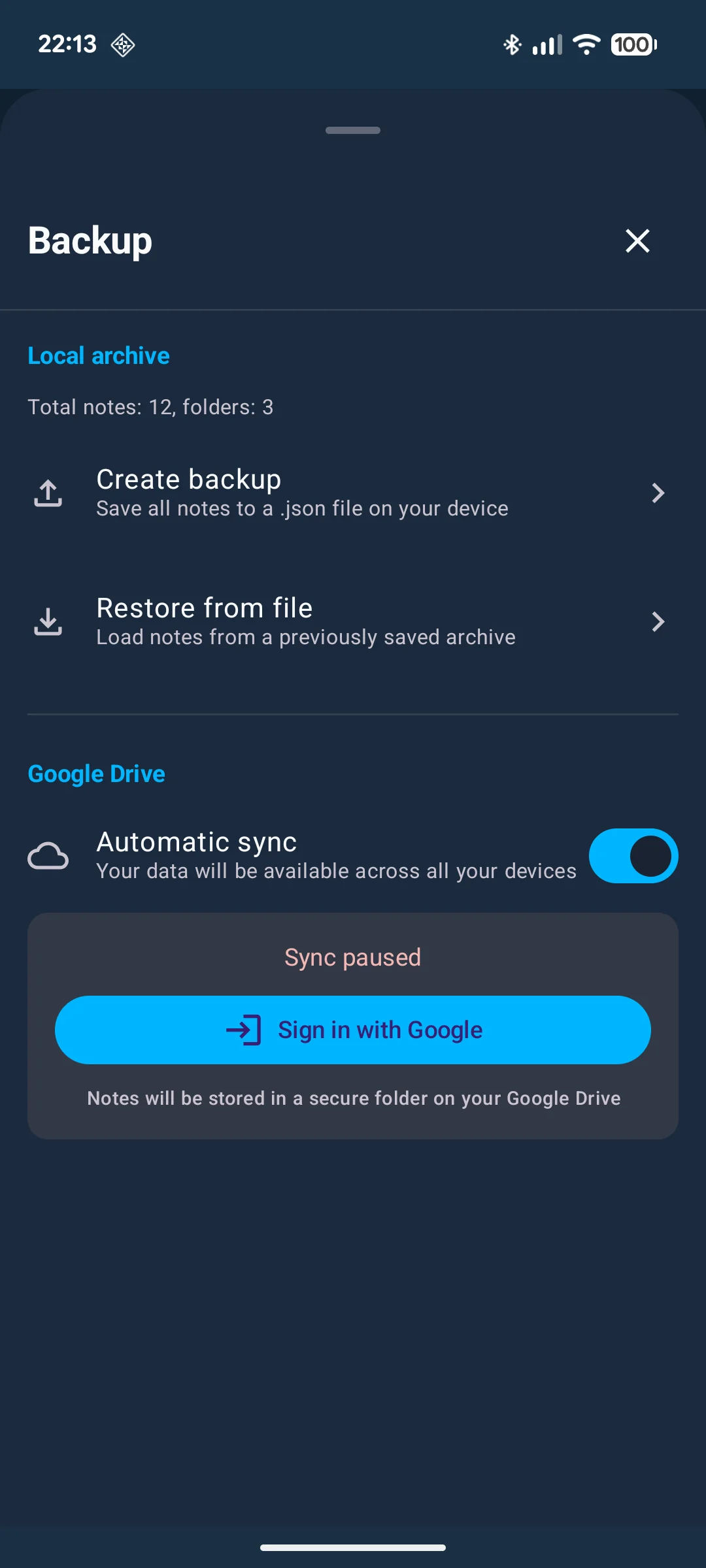
Notes export to .txt, .md and .html; several of them can go into a single file, or straight to a messenger in one tap. A backup is saved as a file on the device and locked with a password. Google Drive sync is optional — without it the app works entirely offline.
- Export notes to .txt, .md, .html
- Bundle several notes into a single export file
- Send to any messenger in one tap
- Password-protected local backups
- Google Drive sync
Loknot is available in 35 languages
Common questions
How much does Loknot cost?
The app is free — no ads and no in-app purchases. The free version is not cut down: notes, folders, tags, search, Markdown, on-device encryption, backups and sync are all in it already. A separate Pro version will be paid, and is still in development.
What will the Pro version add?
End-to-end encrypted sync, dictation that works without internet, screenplay mode and PDF export. Pro will be a separate app rather than a purchase inside the free one. It is still in development.
Is there a desktop version?
Not yet. A desktop version is in development.
Is there an iPhone version?
No. Loknot is Android-only for now.
How do I install the app right now?
Open the Loknot page on Google Play and tap Install.